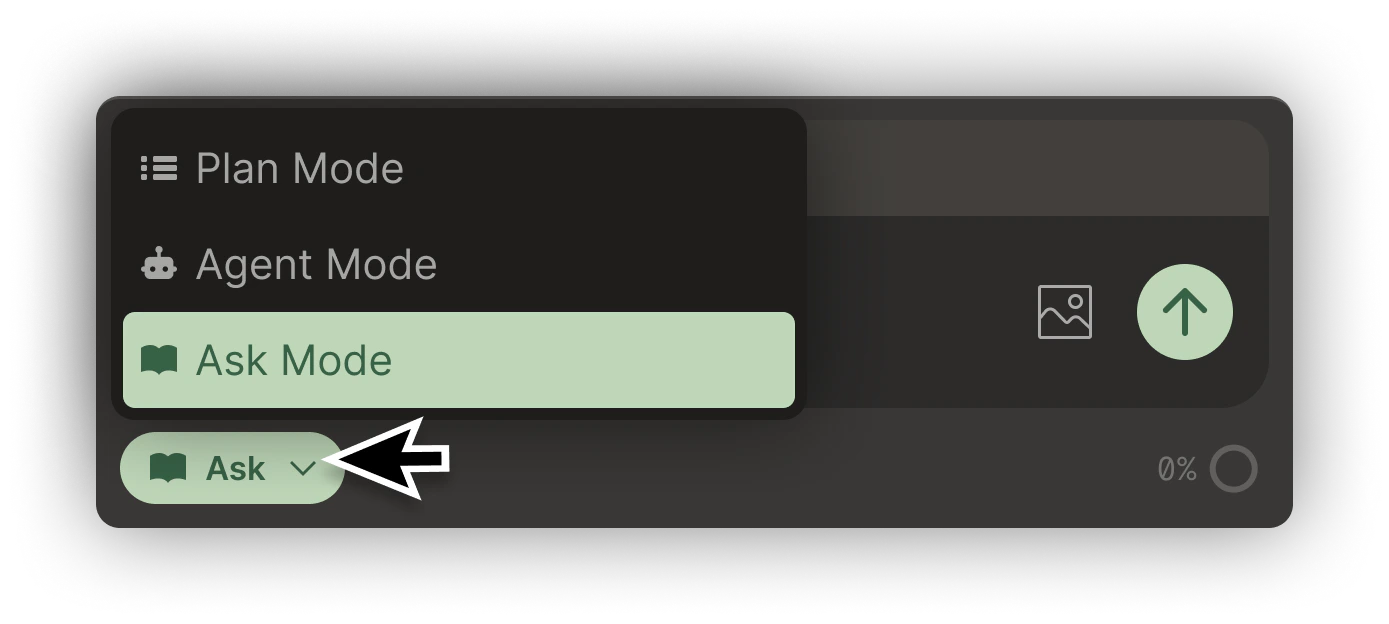
Ask Mode is Bezi’s knowledge-base setting. It can answer any questions you have about a project or other connected data sources. Ask Mode cannot directly implement in-engine. For this, use Bezi Agent Mode.

What can Ask Mode do?

Get information, tutorials, and code snippets to walk you through an implementation or explain a concept. All Ask Mode responses are customized to whatever is in your Workspace at a given moment.

How do I enter Ask Mode?

To enter Ask Mode, select the mode dropdown (below the prompt textbox) and select Ask. Ask In Ask Mode, Bezi can respond with information, tutorials, and code snippets (that must be implemented by you via copy/paste) to walk you through an implementation or explain a concept. All Ask Mode responses are customized to whatever is in your Workspace at a given moment.