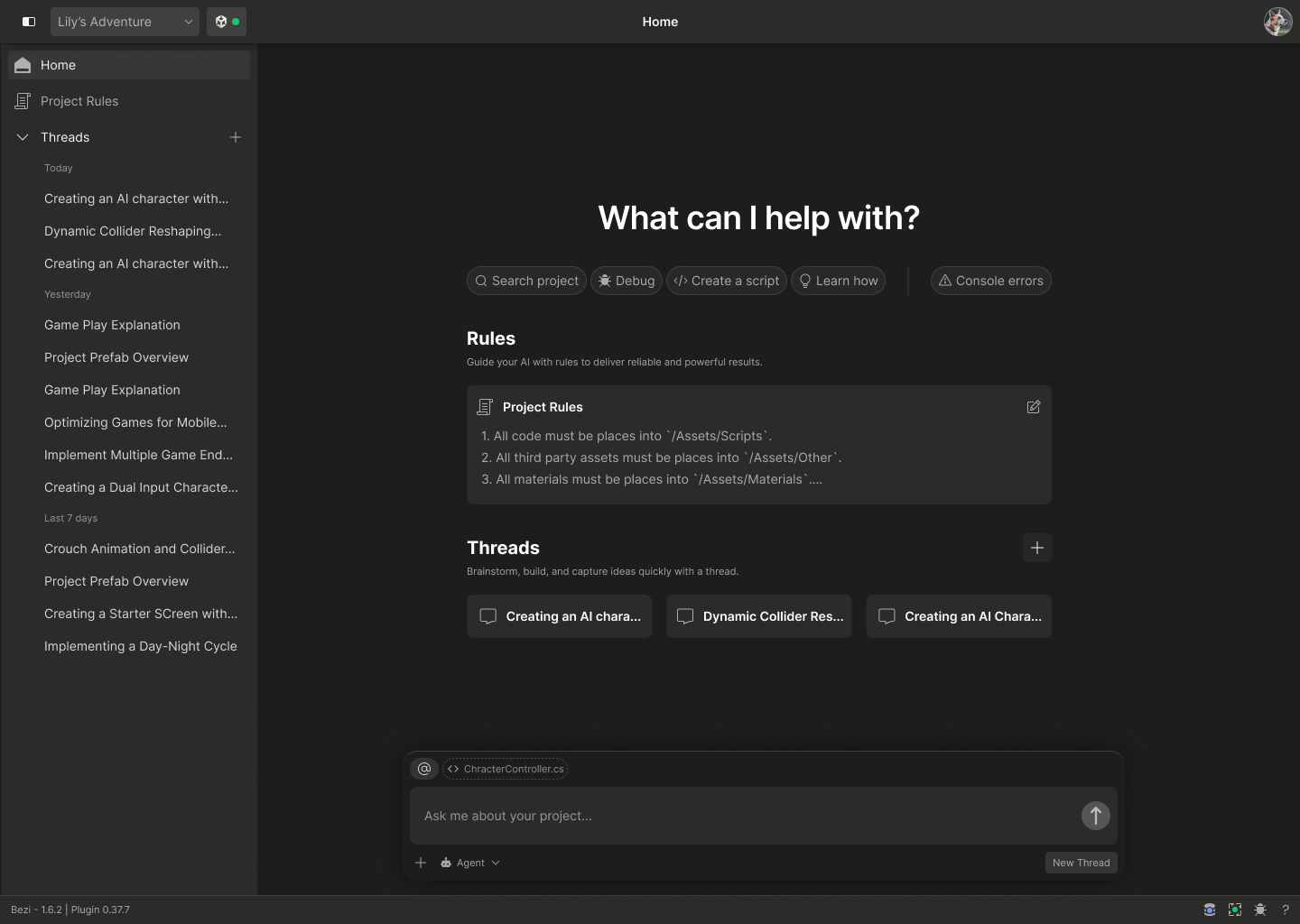
1 topic per thread: start a new thread when the topic or task changes!
Each thread’s prompt/response history is used as context for future responses in that thread. If a thread is long or covers multiple topics, response quality will be worse because the Bezi doesn’t know what context to prioritize.
Access threads: select the icon in the top left of the appStart a new thread: select the + icon in the Threads sectionView a thread split-screen with Pages/Rules: select the icon in the top right of the thread viewReopen old threads: click on any thread name to reopen it. You can scroll through past responses or submit new prompts to pick up the conversation where you left off.If you submit a prompt in one thread then open another thread (existing or new), the prompt will cancel. To avoid spending credits on canceled prompts, wait for the prompt response before leaving the existing thread.